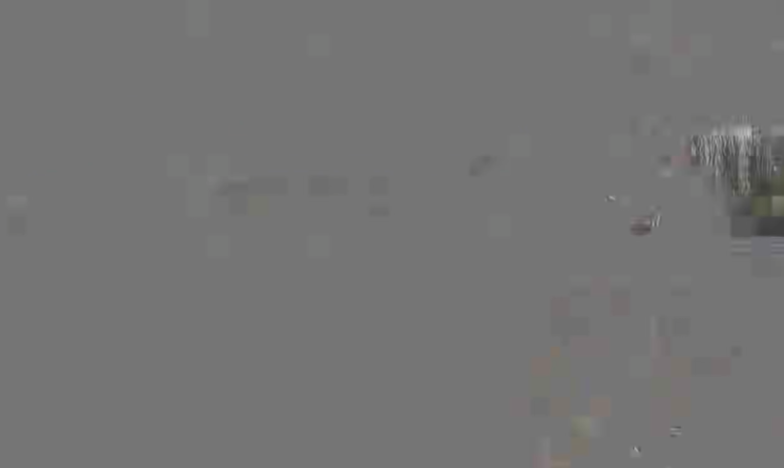
Gray block dropout
Large areas stay gray; only a few blocks were still reconstructed.
Dead zone, SRTLA, relay, and fallback, explained from the smartphone to OBS.

A single cellular connection can waver or drop out completely at any time. SRTLA can bond several connections, a properly set up relay server gives you a fixed far end, and NOALBS can switch OBS to a prepared scene during a longer drop. What matters isn't only whether the picture arrives under ideal conditions, but how the whole setup copes with packet loss, a fluctuating bitrate, and an interruption.
A connection problem doesn't always play out the same way. Buffering, transport protocol, encoder, relay, and OBS together decide what your viewer actually sees.
| Situation | Possible effect | What can help |
|---|---|---|
| very short dip | may go almost unnoticed thanks to buffering | suitable SRT latency and enough headroom |
| several seconds | stutter, frozen image, audio gap, or damaged frames | bonding, a clean restart, and tuned thresholds |
| longer outage | no usable live picture anymore | a controlled switch to a fallback scene |
These durations aren't fixed limits. Even a short dip can show up if you chose a bitrate without headroom or the latency doesn't fit the real cellular network.
Dead zones, cell handovers, congested cells, and a fluctuating upload come with mobile streaming. If your stream hangs on just one path, every problem hits exactly that one connection. A second SIM or an extra router only helps if the streaming app or encoder can actually use the paths together.
SRTLA is a transport proxy for SRT with link aggregation. The software spreads traffic across the available connections and takes into account, among other things, the number of packets not yet acknowledged and a dynamic capacity for each path. If one connection falls back, the remaining active ones can keep carrying the stream.
That makes the setup more resilient, but not invulnerable. If all paths drop at the same time or the combined bandwidth isn't enough, even SRTLA can't deliver a picture. So always test bitrate, latency, and the number of connections under realistic conditions.
The relay receives the mobile SRT or SRTLA stream and gives OBS a fixed far end. A good connection, enough performance, and cleanly tuned settings matter, so the server doesn't become an extra problem itself when the incoming feed fluctuates.
For this use case, Redefined Streaming is the hosted option IRL4YOU prefers. The provider offers SRTLA plans with different bitrates, German-language support, and a ready-made infrastructure. That's an editorial assessment from practice, not a claim that any single service is objectively the best in every setup.
Gray image areas, blocks, shifted picture parts, and damaged frames often mean the decoder didn't get the data it needed for a complete image in time, or at all. Packet loss, a latency that's set too tight, an unstable bitrate, a problematic restart, or unfavorable encoder and keyframe settings can all make that more likely.
Large areas stay gray; only a few blocks were still reconstructed.
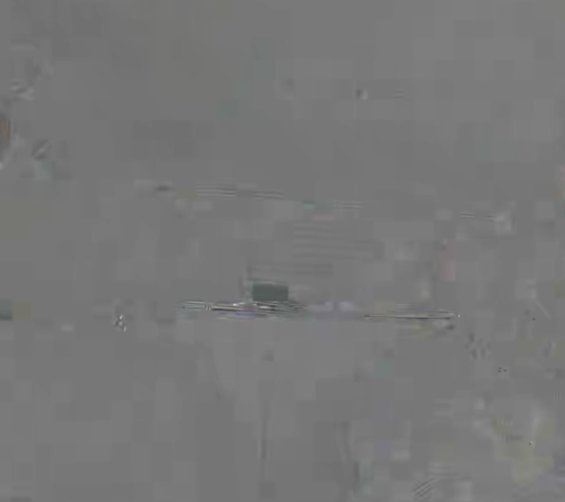
Lines and fragments visibly come from incorrectly assembled picture states.

Color information breaks down; structure and outlines only appear corrupted.
The examples show different visible failure patterns. You can't reliably pin down the exact cause from the look alone.
So the cause doesn't automatically lie with the protocol or the relay alone. To troubleshoot, look at the mobile encoder, every connection path, the server's statistics, and the OBS playback together.
NOALBS can read the metrics from a supported ingest server and switch OBS between prepared scenes depending on bitrate or RTT. If the incoming stream drops below the thresholds you set or disappears entirely, your viewer sees a BRB or connection scene, for example, instead of a disintegrating picture.
Once the mobile stream arrives stably again, NOALBS can switch back to the live scene. Thresholds and delay have to fit your own setup. Too aggressive means needless switching, too sluggish shows errors for too long.
A test that only says "the picture arrives" isn't enough. Only deliberately degrading and restoring the connections shows whether your setup reacts in a predictable way when it counts.
This post summarizes the technical basics in its own words and combines them with IRL4YOU's practical assessment.
You can't get rid of dead zones. A well-thought-out IRL setup can limit their impact, though: SRTLA uses several connections, the relay provides a controlled far end, and NOALBS gives you a clean, visible transition during a longer outage. The goal isn't an unrealistic connection that never wavers. It's a stream that's prepared for it.