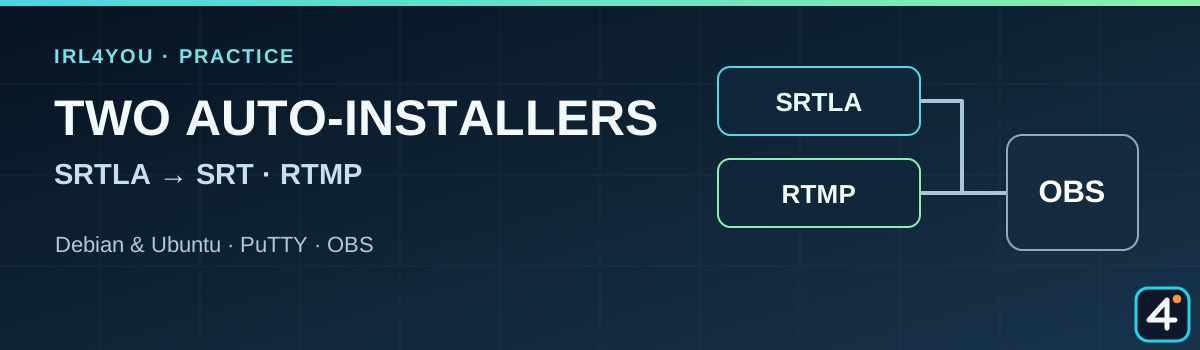
SRTLA and RTMP:two auto-installers put to the test
One install command per server route, and a short video that shows both.
· Site news · about 3 minutes to read
New on IRL4YOU · tested in practice
Two ways to your own streaming server
Your own server does not have to start with a long list of copied terminal commands. For SRTLA and RTMP, IRL4YOU now has a guided auto-installer for each. Both were installed on fresh systems running Debian 13 and Ubuntu 26.04. After that, we sent real video data over both routes and received it in OBS.
The SRTLA route sets up a Docker receiver. A compatible sender such as BELABOX or Moblin can connect to the receiver, and OBS then pulls the finished stream over SRT. The status check, Fail2Ban, and the local firewall are part of the guided process.
The RTMP route sets up Nginx with the RTMP module, stream key checking, and SSH protection. At the end, the installer shows the address for a complete publish link, plus the server URL and stream key as separate values. Here too, the firewall and services are checked.
Yes, as two separate signal paths within one IRL setup. In OBS, for example, you can prepare an SRT input from the SRTLA receiver and an RTMP input for a different sender. You decide which route is in use based on your camera, app, and connection.
Important about the naming: There is no third “SRT auto-installer” here. The SRTLA receiver delivers its output to OBS over SRT. The two installers also do not merge automatically into bonding or a failover between SRT and RTMP.
Both installations in the short practice video
The 4:18-minute video shows the SRTLA installer first and then the RTMP installer in PuTTY. The successful video tests followed after the recorded installations. If you want more background on the complete SRTLA setup, the SRTLA page still has the full video walkthrough from A to Z.
The install command does not replace the decision on the right server location, the permissions at your host, and the settings in your sender and in OBS. After setup, check the ports shown, start a real test stream, and keep your stream key confidential. Which systems and architectures are supported and were tested in practice is covered in the two guides.
Published and technically reviewed on · Published by IRL4YOU